The Providers section of the console’s Billing card switches the account between BYOK (your own keys and subscriptions) and Pullfrog Router. A provider key stored with Pullfrog is used for the models it covers even on Router, and free models work under either.
Model access is separate from your plan. No plan includes model tokens, and paying for tokens does not require a plan.
Free models
These models cost nothing per token. Pick one in the model selector.
All three are served by OpenCode Zen, which still authenticates each request. Store an
OPENCODE_API_KEY the same way as any other provider key; a run without one stops at session start with No provider available.
Pullfrog Router
Pullfrog Router reaches every major provider through one billing account, at provider cost with no markup. Pullfrog mints a short-lived key for each run, so there are no provider keys to manage. Router runs draw on a prepaid balance and stop when it reaches zero. Add a card in the Billing card and turn on auto-reload to keep the balance funded. See Pullfrog Router for balance, auto-reload and spend limits.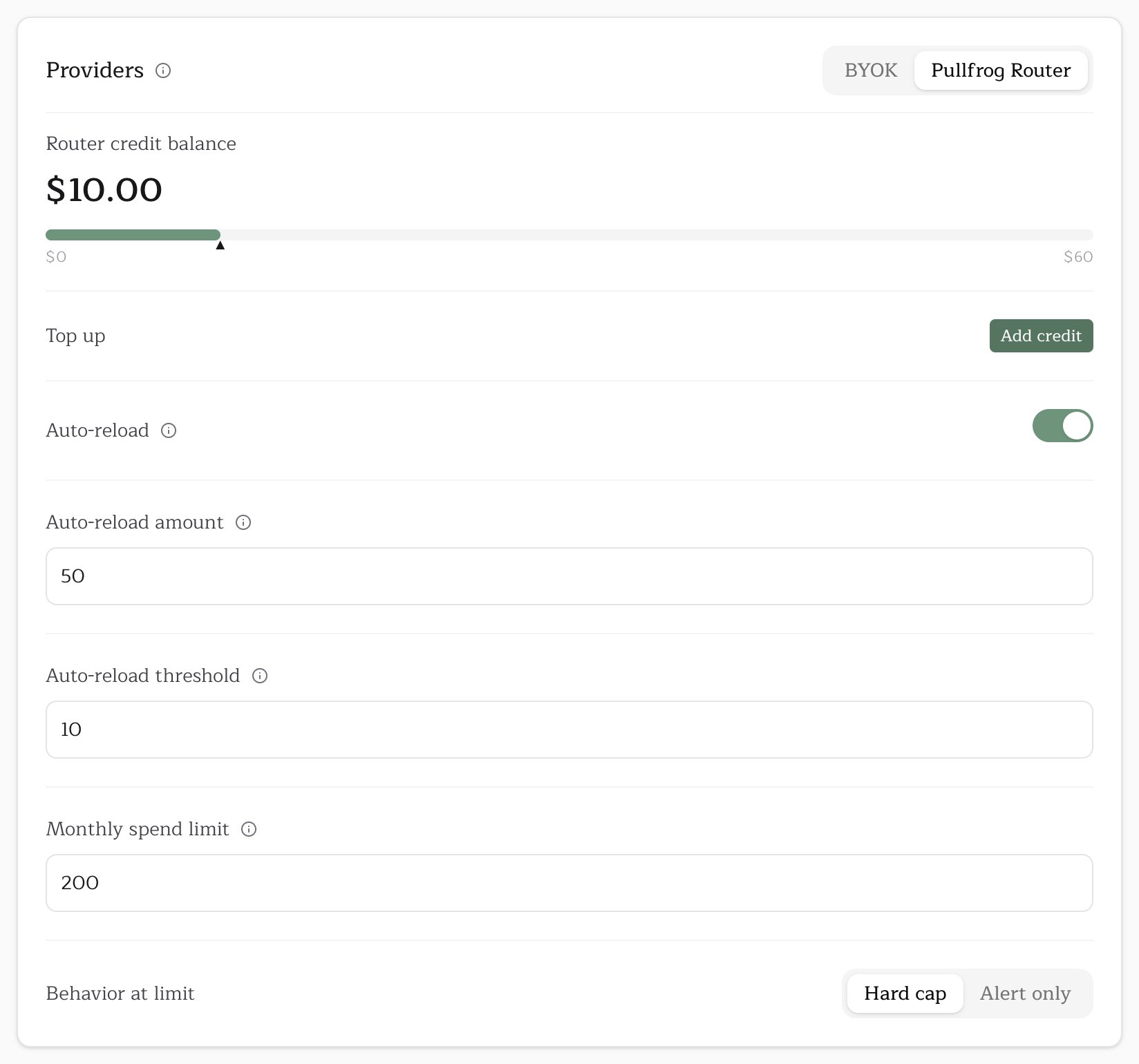
Your own API key
Bring a provider API key and the provider bills you directly, at its own prices. The key must match the repository’s model: an OpenAI key cannot run an Anthropic model. Store the key with Pullfrog, at the account or repository level, or keep it in GitHub Actions secrets. See API keys for both, plus Amazon Bedrock, Google Vertex AI, Azure OpenAI and OpenAI-compatible endpoints.Your existing subscription
Pullfrog can run on a plan you already pay for instead of API tokens. Claude, ChatGPT and Grok plans connect with one command, run from inside the repository; Kimi and OpenCode Go issue an ordinary key.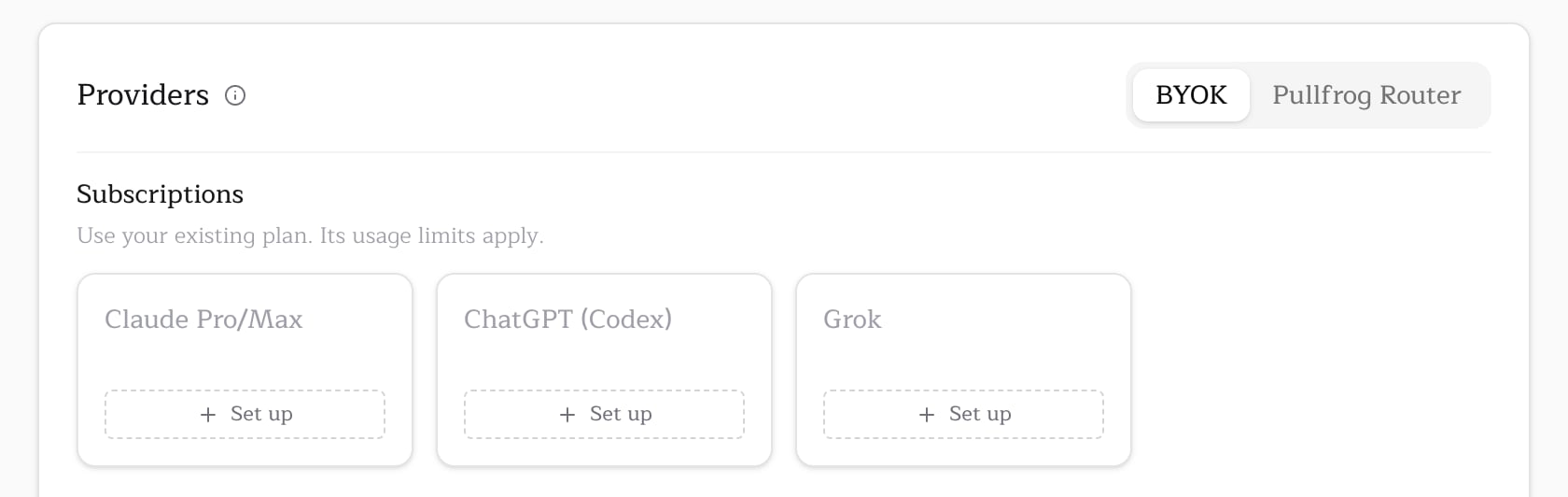
Troubleshooting a failing run
- Does the repository’s model match a credential you hold? A repository set to an OpenAI model needs an OpenAI credential, whichever route you use. Check the model in the repository’s console.
- On Router, is there a balance or a card on file? An empty balance with no card stops every Router run.
- On BYOK, does the key exist? It can live at the account, at the repository, or in GitHub Actions secrets. A secret the workflow references but nobody created resolves to an empty value, not an error.
- On a subscription, has it hit its usage limit? Runs resume when the limit resets.
- Did GitHub refuse to start the job? A run with no steps at all points to your GitHub Actions billing, not to Pullfrog. Check your GitHub account’s billing settings.