
Console prompt box
Open a repository in the Pullfrog console, type a prompt, and send it. Use it for tasks that have no issue or PR yet.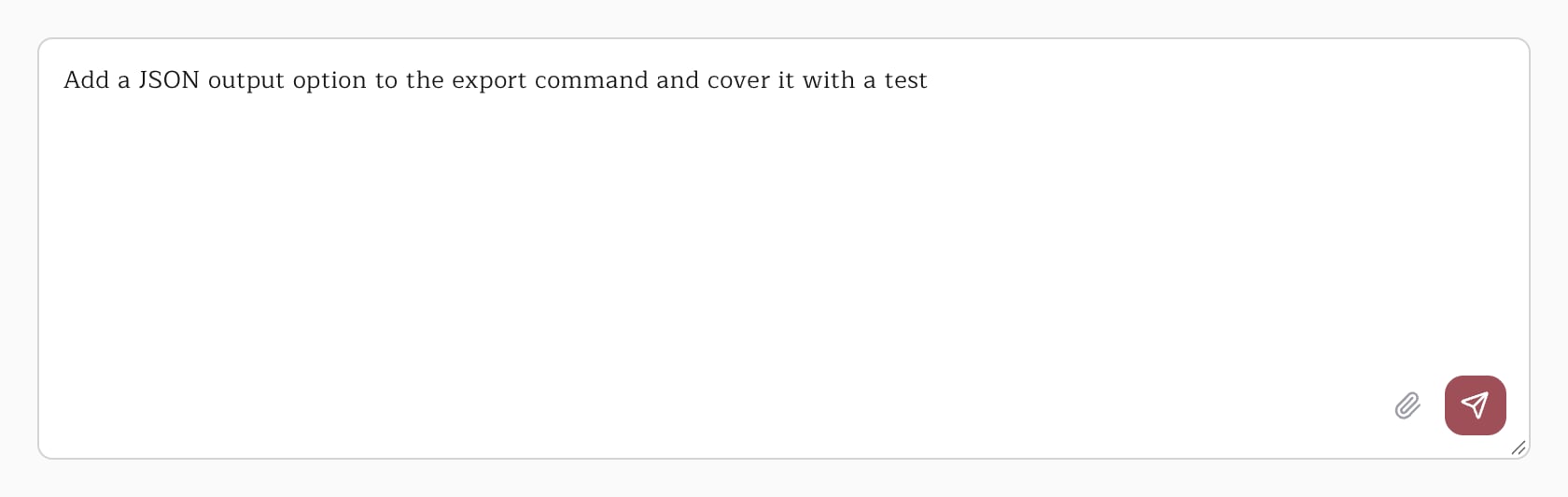
Mentioning @pullfrog
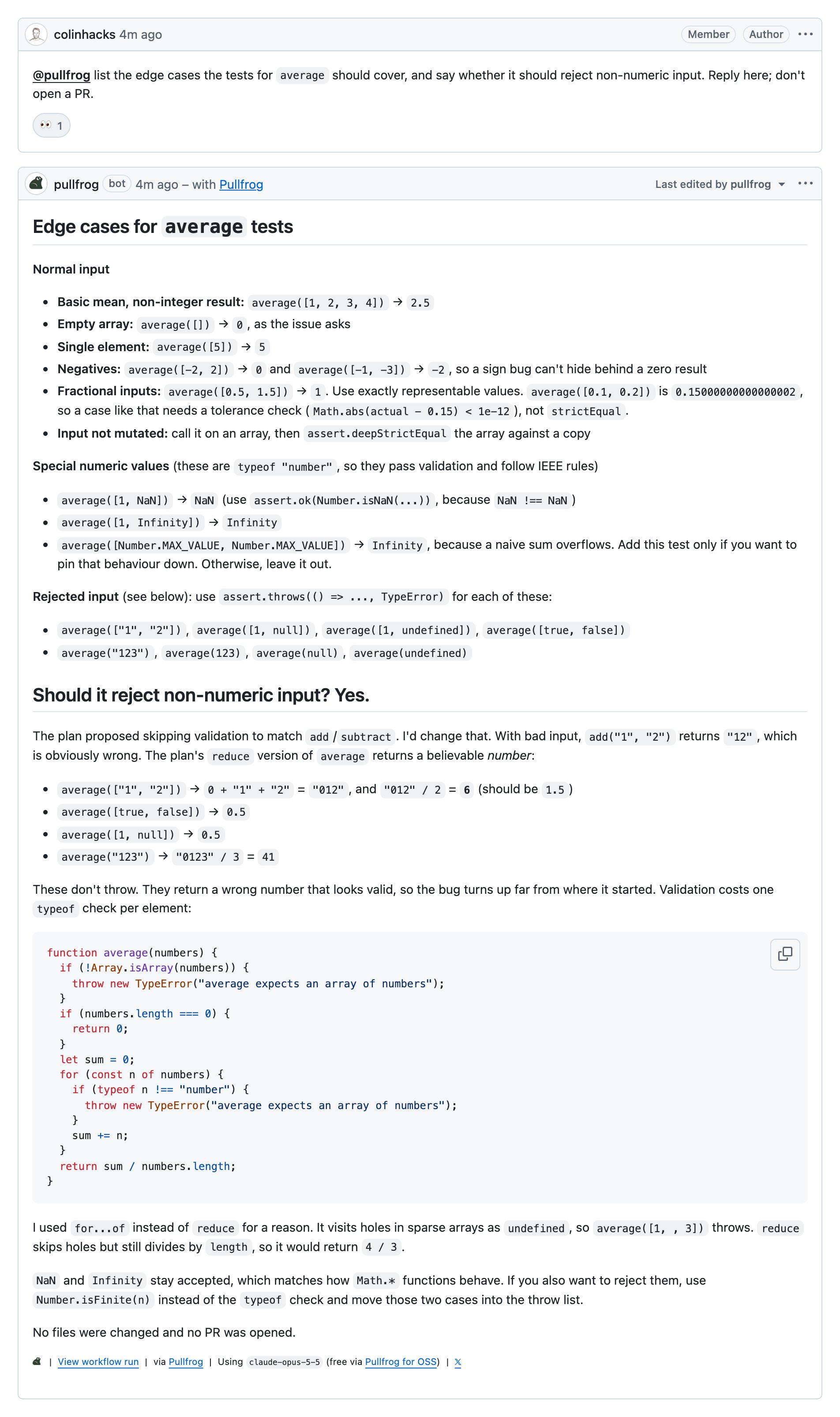
Mention @pullfrog in an issue comment, a PR comment, or a PR review comment. Pullfrog replies in the same thread.
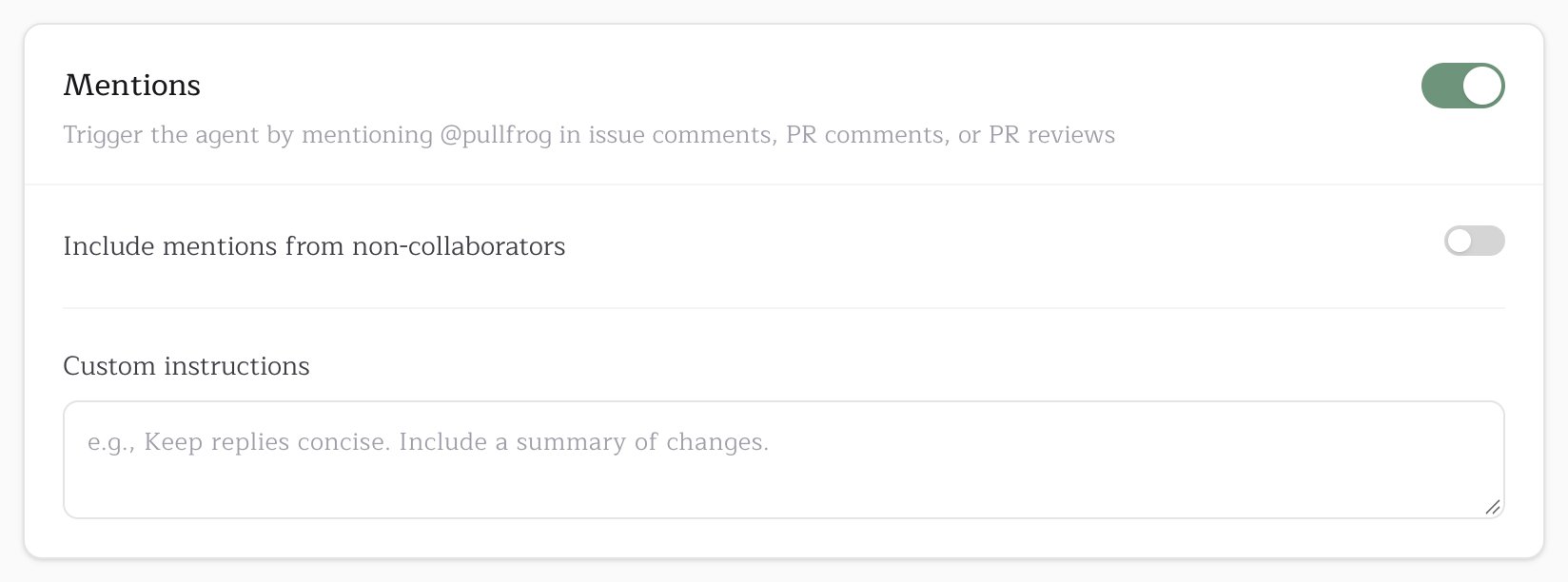
- Only repository collaborators can trigger a run by default. On public repositories, Include mentions from non-collaborators opens mentions to everyone.
- Custom instructions on the same card are added to every run a mention starts.
Quick Links
Quick Links are an opt-in comment with one-click buttons on each new issue or PR, so the author decides whether to involve Pullfrog.
To use them, turn off the Review PRs or Enrich issues card under Automations, then turn on Post an initial comment with Quick Links instead on the same card.