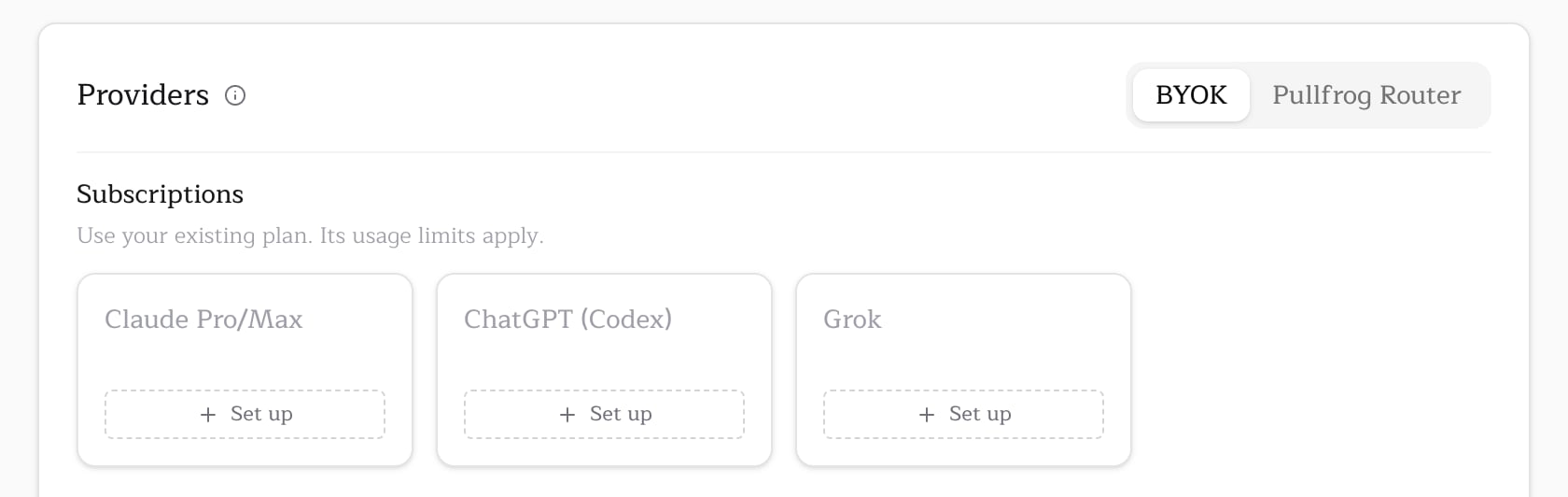
If you subscribe to Grok, you can use it with Pullfrog instead of paying for xAI API tokens on top. One command signs you in and stores the credential; runs on xAI models then draw on your subscription.
Grok auth is for xAI models specifically. For other providers, see BYOK or Pullfrog Router.

Setup

Run one command from inside a repository owned by the organization you want to configure:
The CLI:
  1. Requests a device code from xAI and prints a URL and one-time code.
  2. Waits while you open the URL, sign in, and approve the code.
  3. Rotates the credential once, then stores it as GROK_AUTH_JSON in Pullfrog’s encrypted secret store.
The next workflow run on this repo uses your Grok subscription instead of needing an XAI_API_KEY.
Nothing else has to be installed — Pullfrog talks to xAI’s OAuth endpoints directly, so the Grok CLI is not required. Because the flow is device-code based, it also works over SSH and in containers. On org-owned repos the CLI prompts for a storage scope: account (shared across every repo your org owns) or repo (just this repo). User-owned repos always store at account scope.

When to use this

  • You already subscribe to Grok and don’t want to also pay per xAI API token.
  • You want the simplest setup — one command, no API key management, no GitHub Actions secrets.
  • You’re OK with xAI’s terms applying to your usage.

How it works

Once stored, Pullfrog injects the credential at the start of each workflow run and hands it to the agent, which uses it for every xAI model call (anything under the xai/ provider). A stored Grok credential also counts as bring-your-own-key: runs on xAI models draw on your subscription rather than being billed through Pullfrog Router. If you have also stored an XAI_API_KEY, the subscription wins — having run the command is taken as the answer. Access tokens last about six hours and refresh tokens rotate on every use, so Pullfrog refreshes the credential server-side before each run and persists the rotated token back to its secret store. You should not need to re-run the command unless the credential is revoked or goes unused long enough to lapse. The credential lives on the workflow runner’s disk only for the duration of the job, in a location the agent itself cannot read. It is never written to your repository, your GitHub Actions secrets, or anywhere outside the encrypted Pullfrog store.

Troubleshooting

Sign-in timed out. The device code expires after a few minutes. Re-run npx pullfrog auth grok and approve the code sooner. Runs stop using the subscription. Workflow logs name the credential and the command to repair it. A refresh token that xAI rejects is permanently dead, so Pullfrog stops retrying it and falls back to whatever else the account holds — re-run npx pullfrog auth grok to restore it.

See also

  • BYOK — bring your own provider keys for other models.
  • Models — all supported xAI models and other providers.
  • Pullfrog Router — the no-keys alternative; billed at raw provider cost.