Pullfrog works where your team already does: issues, pull requests, and review threads. A change goes from plan to implementation to review without leaving GitHub.
Plan
Open an issue for the work. By default, Pullfrog enriches new issues: it checks for duplicates, surfaces related context, and posts a plan for actionable requests from collaborators.
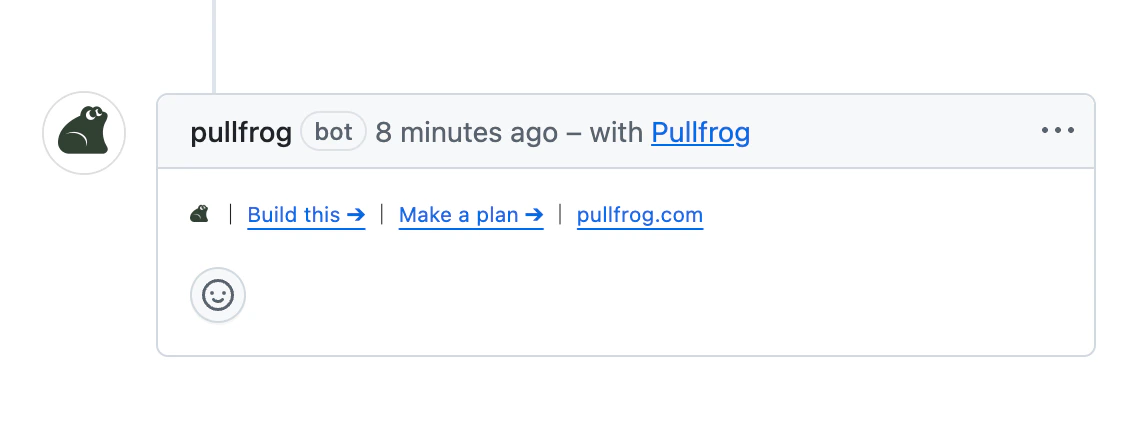
On a repository that uses Quick Links instead, the issue gets one-click buttons:
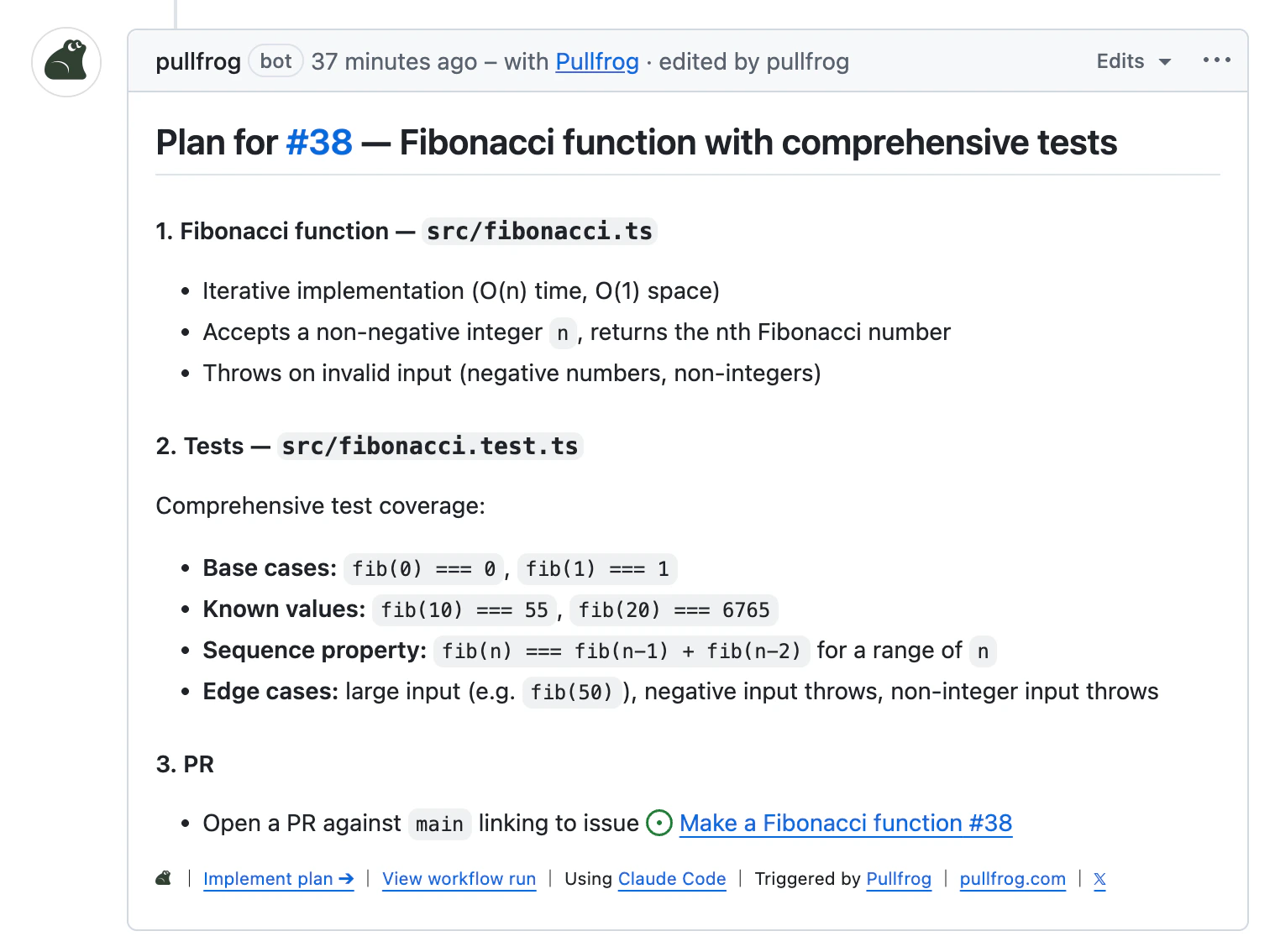
Click Make a plan, and Pullfrog posts an implementation plan as a comment on the issue.
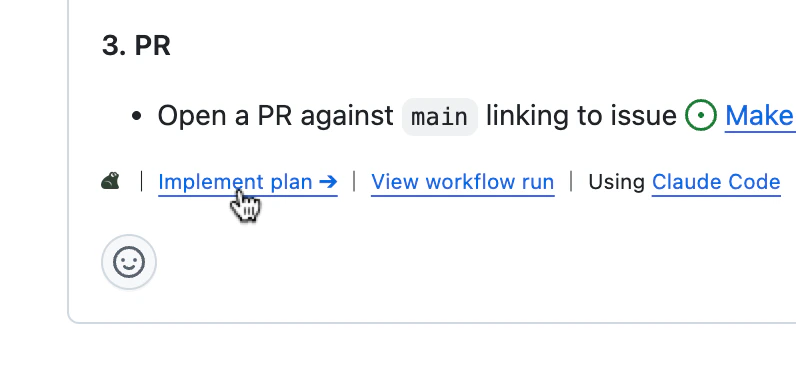
To revise the plan, reply with an @pullfrog comment, or edit the plan comment yourself. When the plan is ready, click Implement plan.
To skip planning, mention @pullfrog in the issue body when you open it. The run starts immediately with the body as the prompt.
Implement
Implement plan runs against the current text of the plan comment, so your edits are included. An enrichment reply without a plan offers Implement a fix, which starts a build from the issue and its discussion. Either way, Pullfrog creates a branch, makes the change, and opens a PR linked to the issue.
Set issue enrichment to Build to implement every new issue without a planning step. Review
Pullfrog skips its own PRs in automatic review unless Review Pullfrog’s own PRs is on. Mention @pullfrog in a comment to request a review. For small fixes, the review carries GitHub suggested changes that you can commit from the thread.
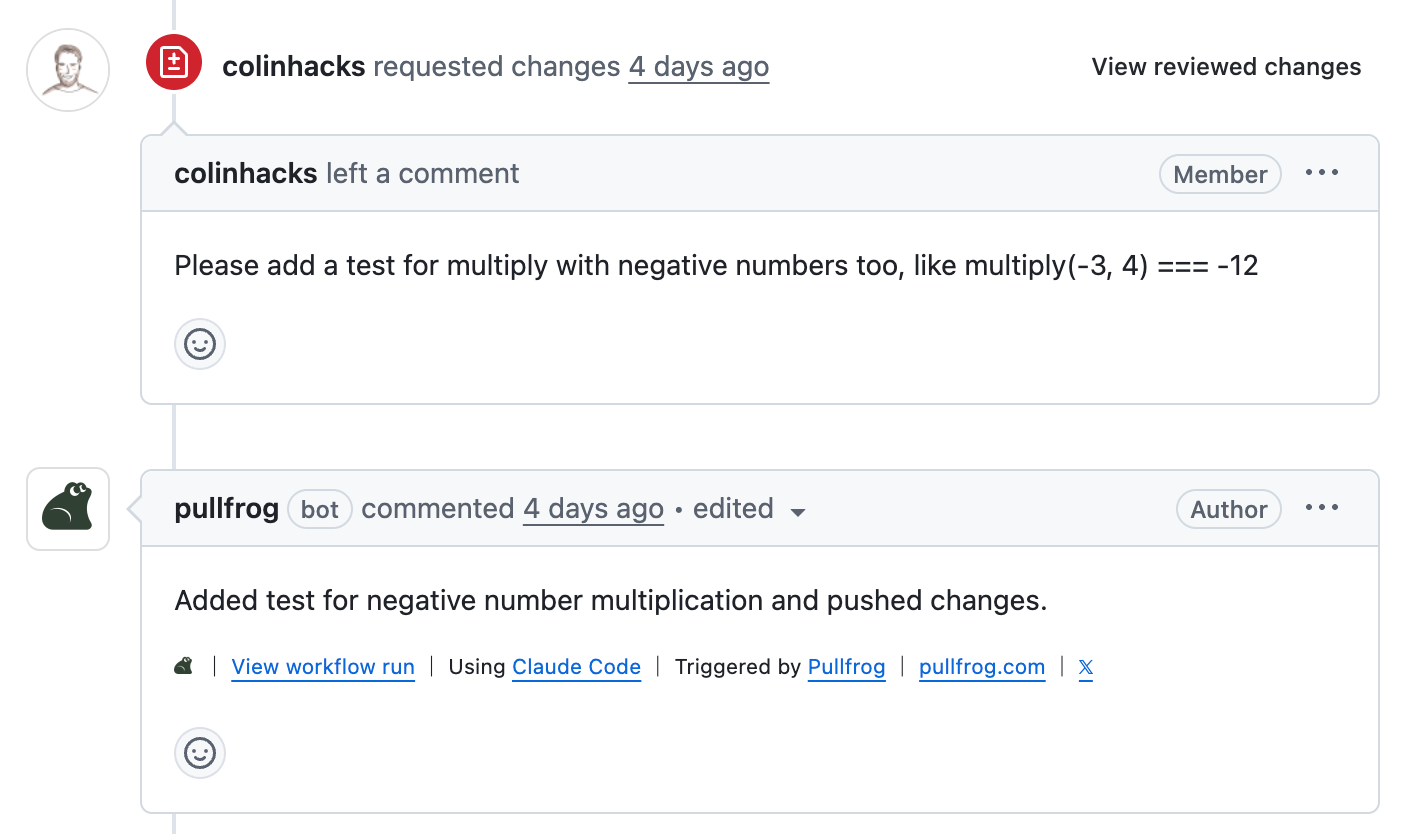
To ask for another implementation pass, comment on the PR:
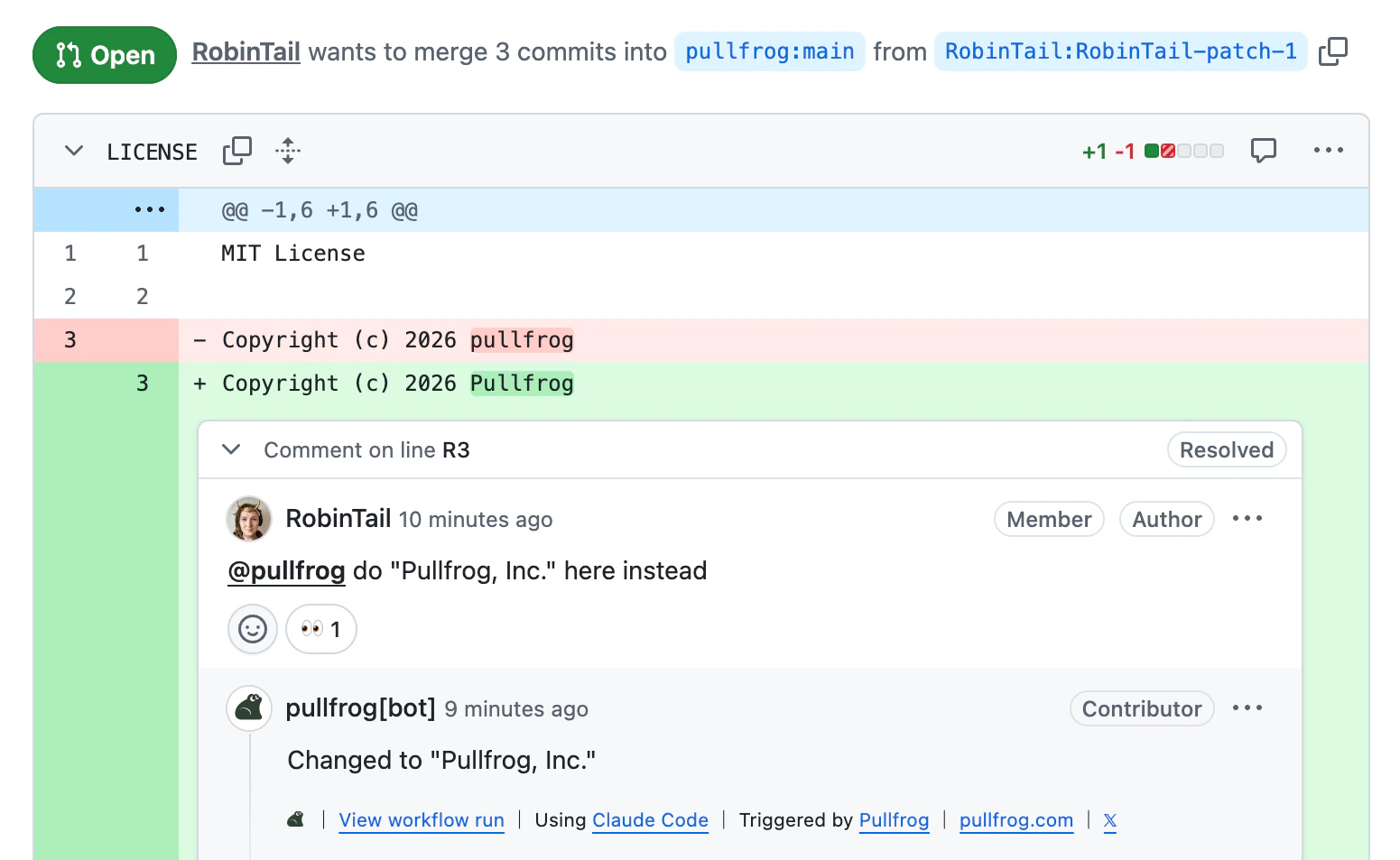
For feedback on specific lines, reply in the review thread so the request is anchored to that code:
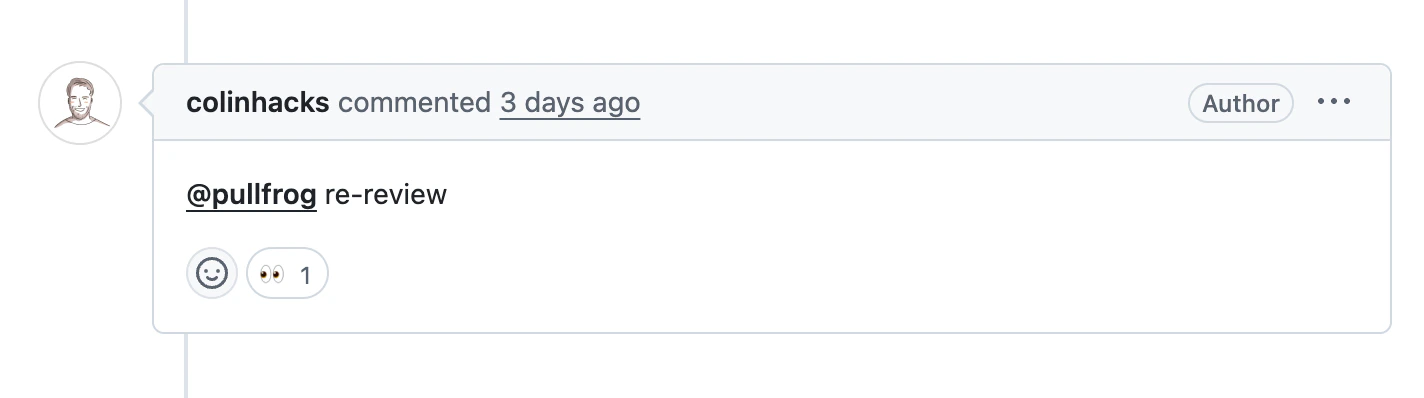
After Pullfrog pushes its changes, ask for a re-review to continue the loop:
Pullfrog’s reviews also carry Fix all and Fix 👍s buttons that apply a whole review, or only the comments you approve, in one run. See Address reviews.