
Key storage
You can mix the two per provider. If a key is set in both, the workflow value wins, so a workflow can override a stored key.
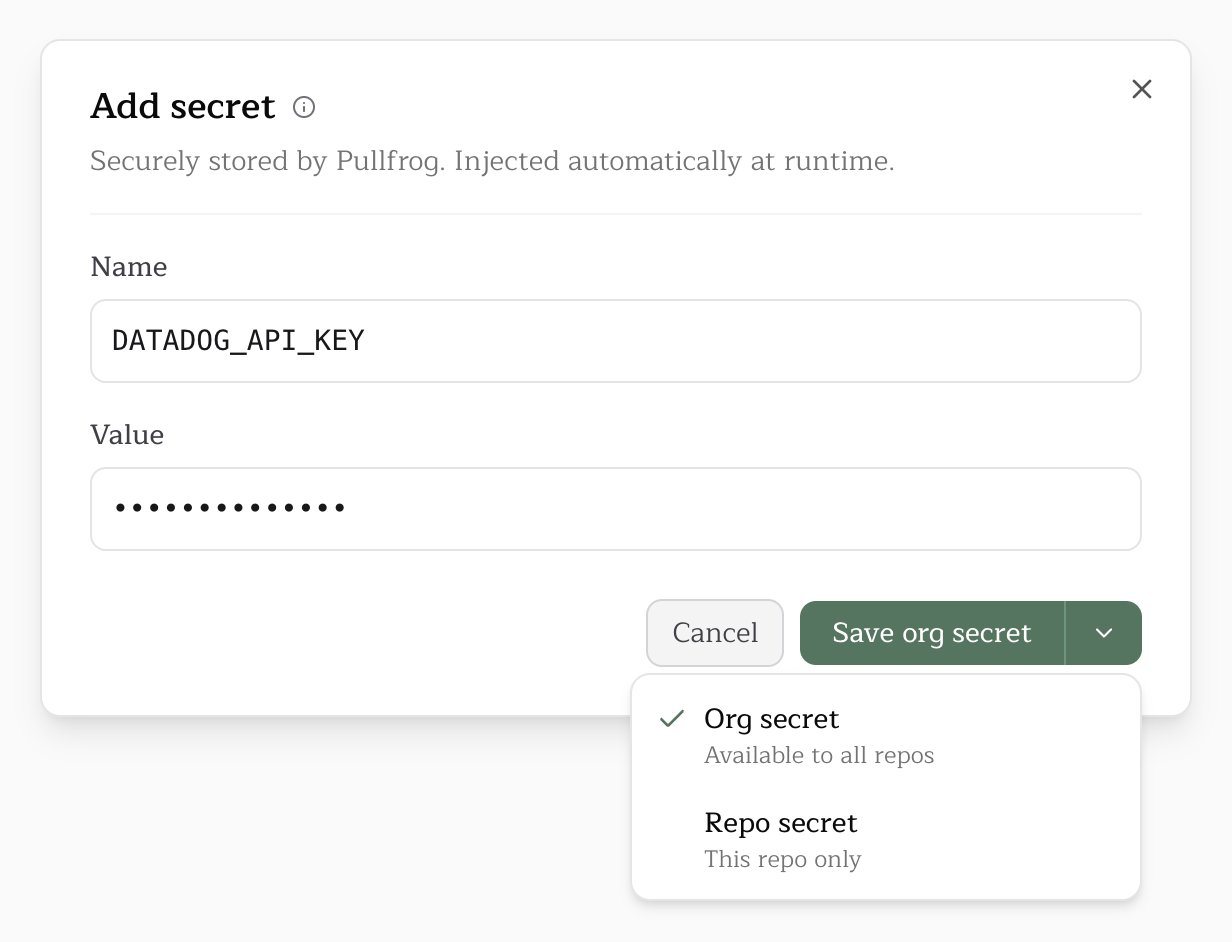
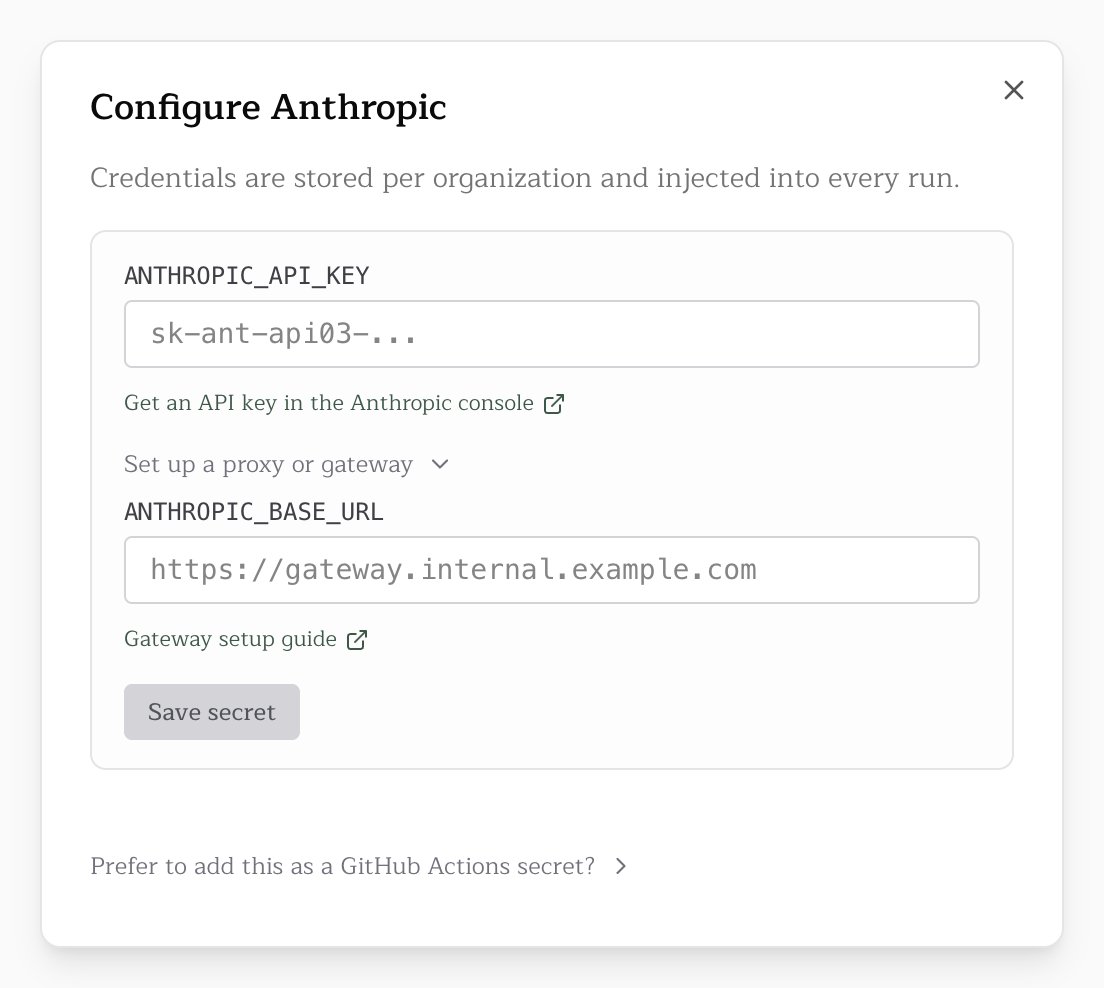
Pullfrog secrets
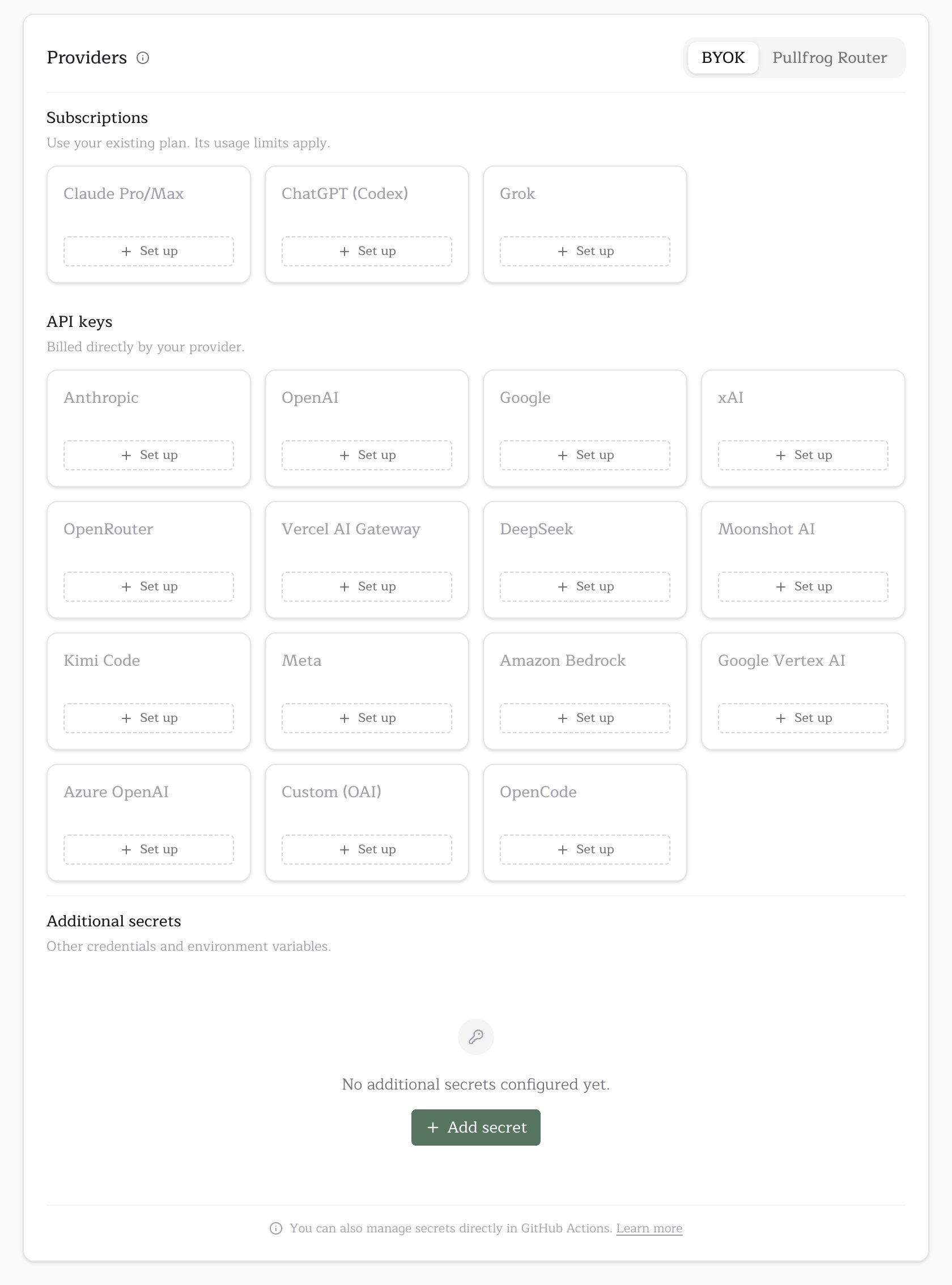
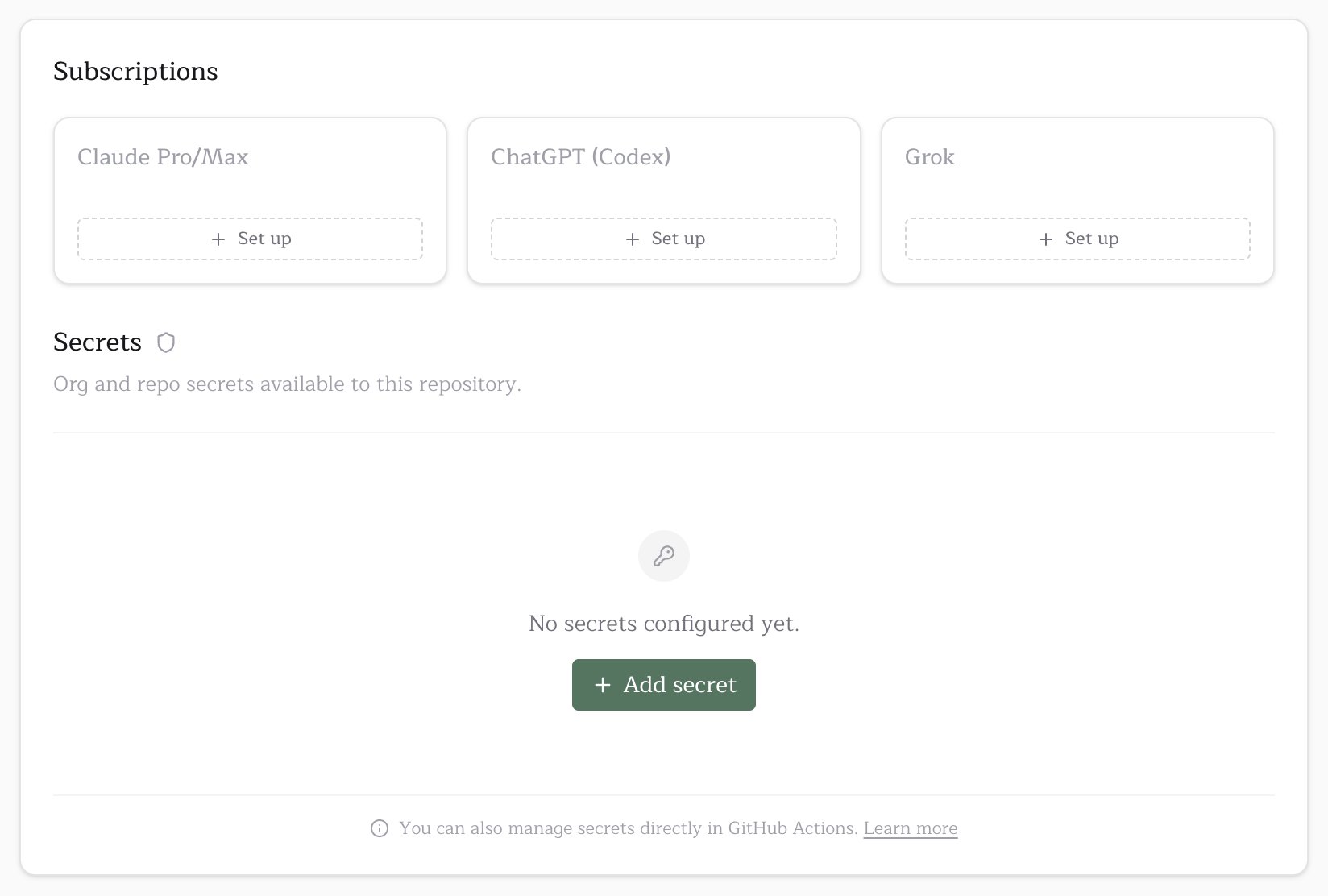
Pullfrog encrypts stored keys at rest, injects them into each run, and never writes them to your repository or workflow files. No workflow edits are needed.- Open
pullfrog.com/console/<account>and find the Providers section of the Billing card. - Select the BYOK tab.
- Click Set up on the provider’s card and follow its credential instructions.
GitHub Actions secrets
Keep keys in GitHub when you already rotate secrets there. Pullfrog reads them from the workflowenv: block.
-
Add the secret in GitHub, at the organization (
github.com/organizations/<org>/settings/secrets/actions, New organization secret) or the repository (github.com/<org>/<repo>/settings/secrets/actions, New repository secret). -
Map it into
pullfrog.yml:
env: reaches the agent, so a provider with no console card runs from a GitHub Actions secret too. See custom providers.
Cloud providers and custom endpoints
These routes are BYOK only and have their own setup pages:Multiple subscriptions and fallback
Connect several Claude, Codex or Grok subscriptions by running the provider’s auth command again. Choose Add another to keep the existing connections as fallbacks, or Replace to swap one out once the new connection succeeds.- Subscriptions: the workflow’s, then the repository’s, then the account’s, then shared personal ones
- API keys: the workflow’s, then the repository’s, then the account’s
Checks for some providers send a small inference request. A passing check does not reserve quota or guarantee the whole run fits within the limit.
Personal subscriptions on organization repositories
The owner of a personal account can share one of its subscriptions with an organization or repository they also manage:auth remove and a credential ID for auth share and auth unshare. Removing the connection from the personal account revokes its shares. Nothing is shared automatically because someone triggered a run.
Gateways and proxies
Route a provider’s requests through your own host, such as a LiteLLM proxy, a corporate egress proxy or an AI gateway, while keeping your normal model selection. Set the base URL under Set up a proxy or gateway on the provider’s setup card, or in your workflowenv::
Put only the host in the base URL; a credential embedded in it is not treated as one. Pullfrog skips its pre-run credential check for a gateway, so a gateway that refuses the credential reports its own error in the run.
AZURE_RESOURCE_NAME, and a gateway with its own model list belongs on OpenAI-compatible endpoints.
Anthropic
Anthropic models run through Claude Code, which honorsANTHROPIC_BASE_URL natively and talks to the gateway in Anthropic’s own format, so prompt caching and extended thinking survive the hop.
ANTHROPIC_API_KEY variable is sent as x-api-key, and ANTHROPIC_AUTH_TOKEN as Authorization: Bearer. A gateway that reads the other header answers 401.
/anthropic endpoint that serves its own models.
OpenAI
TheOPENAI_BASE_URL variable re-points the OpenAI provider, which speaks the Responses API (POST /v1/responses). Point it at a gateway that serves that endpoint.
POST /v1/chat/completions), which is what “OpenAI-compatible” usually means. For one of those, use OpenAI-compatible endpoints instead.
Troubleshooting
”Missing API key” error in GitHub Actions
The agent found no valid key at runtime. Check, in order:- The selected model’s env var is set in Pullfrog secrets or in a workflow
env:mapping. - The secret name matches the provider’s env var exactly:
ANTHROPIC_API_KEY, notCLAUDE_API_KEY. - A GitHub secret is mapped in the
env:block ofpullfrog.yml. GitHub Actions injects only what the workflow lists.