
Built-in triggers
Each trigger can be enabled or disabled, and you can add custom instructions to guide the agent’s behavior.Mentions (@pullfrog)
Mentions (@pullfrog)
The simplest way to trigger Pullfrog. Just mention
@pullfrog in any issue or PR comment, and Pullfrog will respond to your request.Issue created by collaborator
Issue created by collaborator
Trigger when a collaborator opens a new issue. Useful for automatically creating implementation plans or responding to common questions.
Issue created by non-collaborator
Issue created by non-collaborator
Trigger when a non-collaborator opens an issue (only available for public repositories). Great for handling community questions or bug reports.
Auto-label issues
Auto-label issues
Automatically label new issues based on their content using AI. When enabled, Pullfrog will analyze each new issue and apply appropriate labels from your repository’s label set.
PR created by collaborator
PR created by collaborator
Trigger when a collaborator opens a new PR. Useful for automatically reviewing PRs or suggesting improvements.
PR created by non-collaborator
PR created by non-collaborator
Trigger when a non-collaborator opens a PR. Great for reviewing community contributions.
CI failed on user PR
CI failed on user PR
Pullfrog will attempt to fix CI failures automatically. This only attempts once, and only when CI is passing on the PR’s target branch.
Review opened on Pullfrog's PR
Review opened on Pullfrog's PR
When someone reviews a PR created by Pullfrog, this trigger automatically addresses the feedback and updates the PR.
CI failed on Pullfrog's PR
CI failed on Pullfrog's PR
When CI fails on a PR created by Pullfrog, this trigger will attempt to fix the issues automatically.
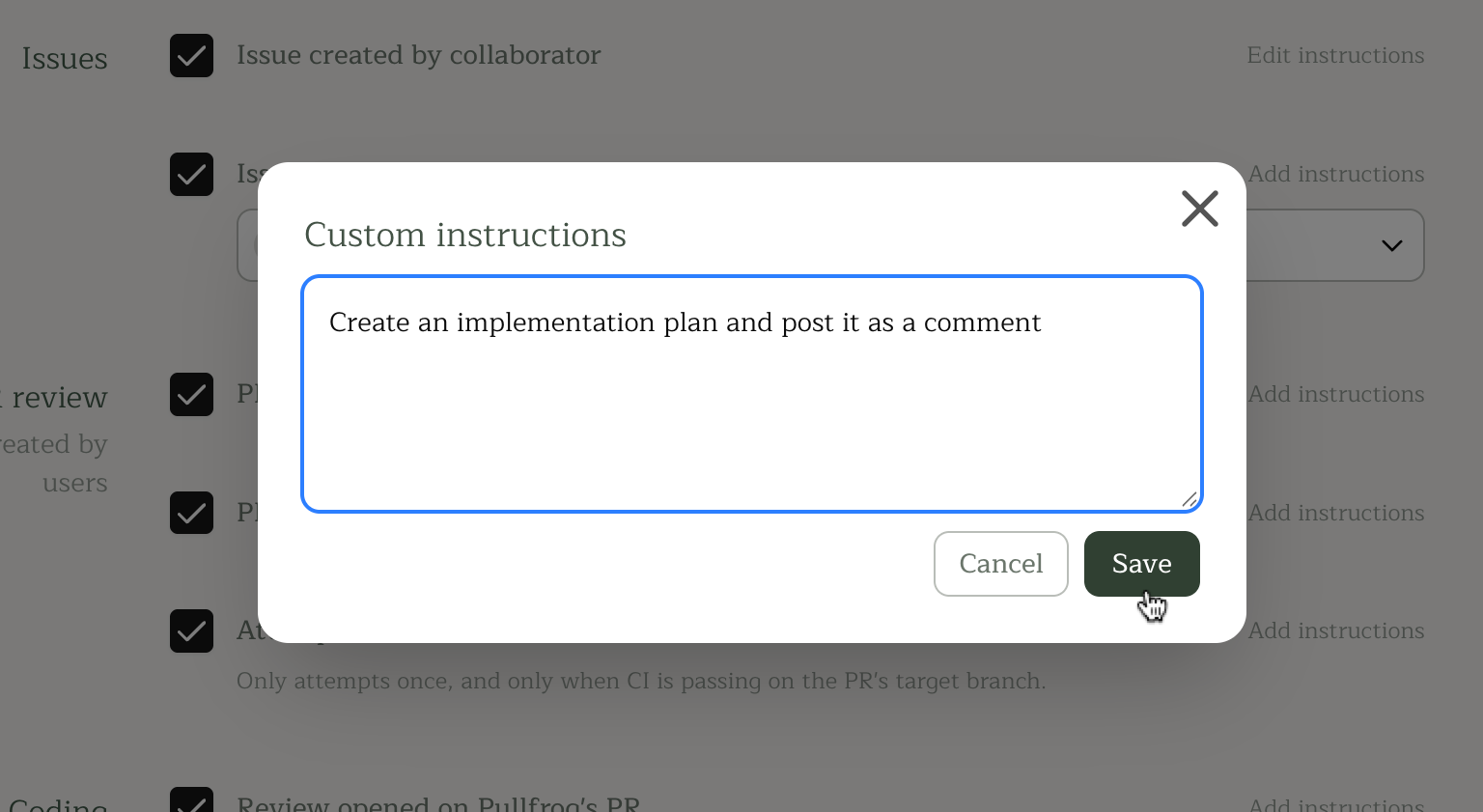
Custom instructions
Each trigger can have custom instructions that can both:- Bias the agent towards a particular mode — e.g., “Use Review mode” or “Always create a plan first”
- Provide additional context for that trigger — e.g., “Focus on test coverage” or “Link related issues in PR descriptions”