> ## Documentation Index
> Fetch the complete documentation index at: https://docs.pullfrog.com/llms.txt
> Use this file to discover all available pages before exploring further.
# Direct prompting
The most straightforward way to use Pullfrog — just tell it what to do.
## Dashboard prompt box
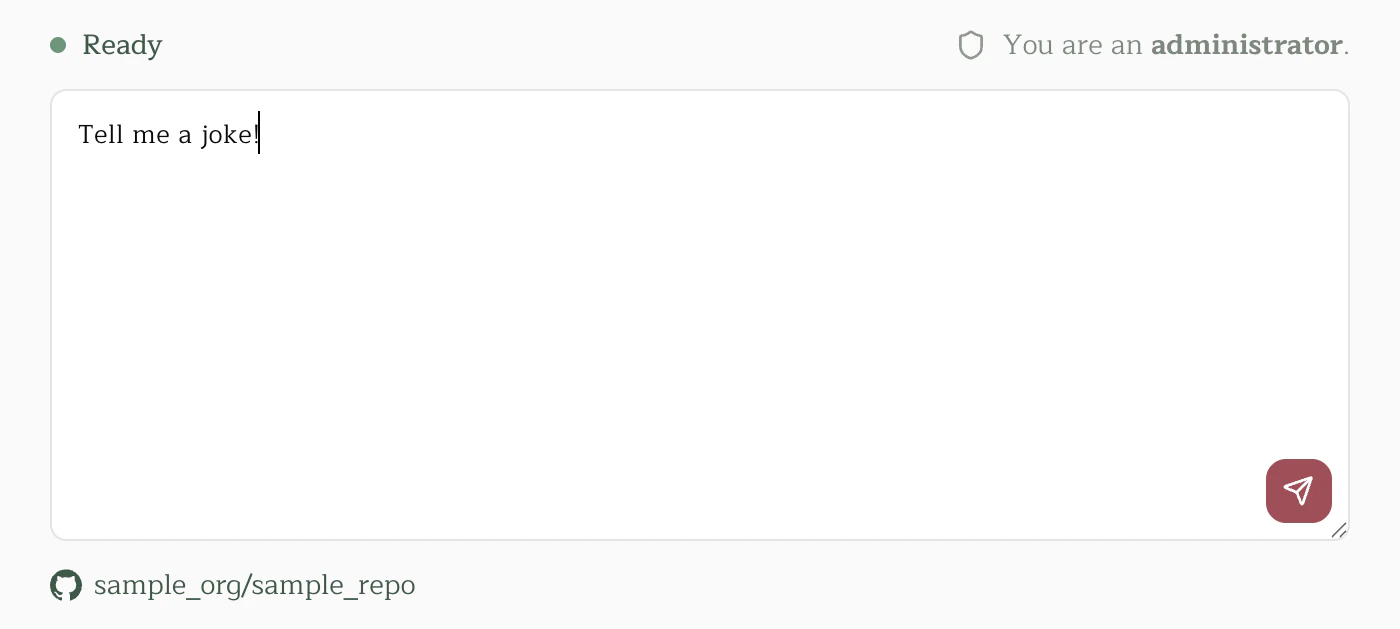
Open any repo in the [Pullfrog console](https://pullfrog.com/console), type a prompt, and hit send. Pullfrog kicks off a GitHub Actions run and gets to work. This is great for ad-hoc tasks that aren't tied to an existing issue or PR.
 ## Mentioning `@pullfrog`
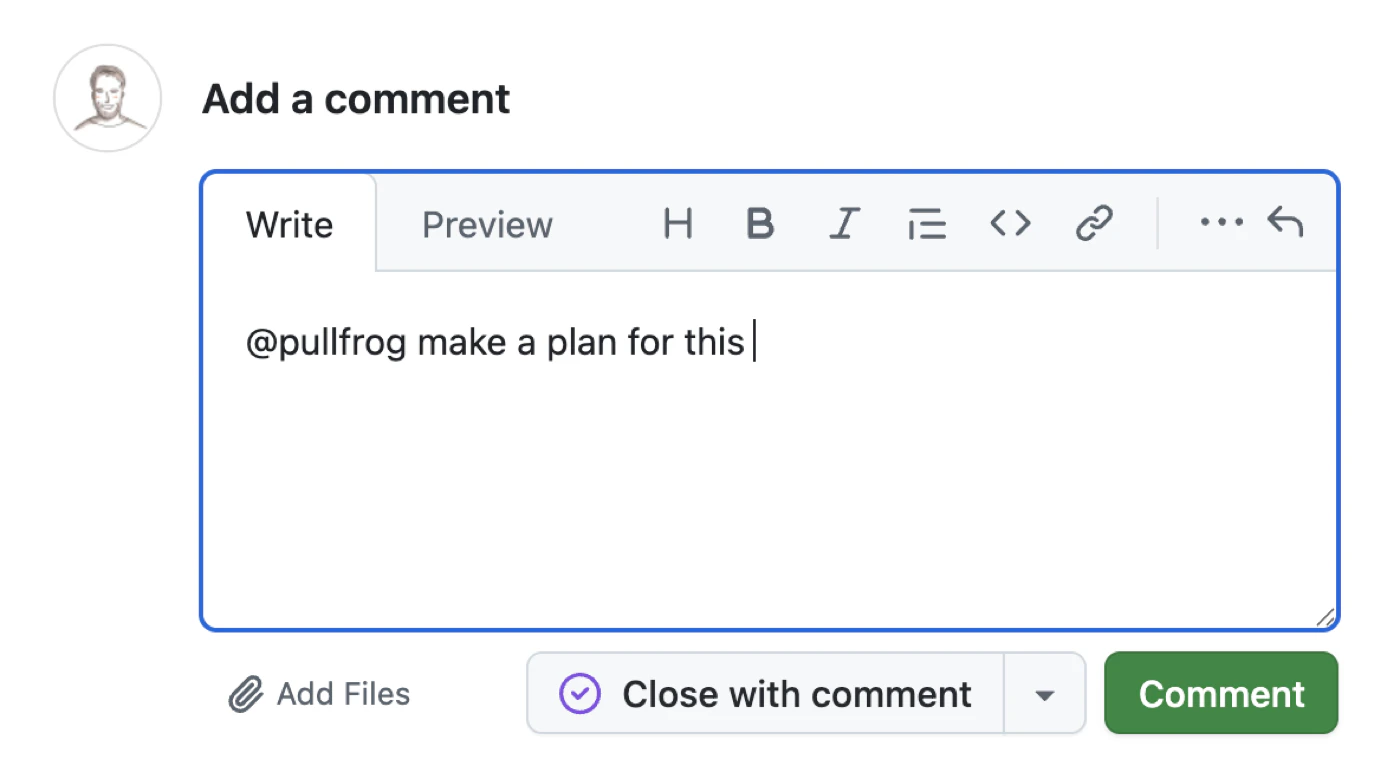
You can mention `@pullfrog` in any issue comment, PR comment, or PR review comment. Pullfrog picks up the mention and responds to whatever you asked — right where you're already working.
## Mentioning `@pullfrog`
You can mention `@pullfrog` in any issue comment, PR comment, or PR review comment. Pullfrog picks up the mention and responds to whatever you asked — right where you're already working.
 By default, only repository collaborators can trigger runs via mentions. You can allow non-collaborators in your repo's **Mentions** settings in the console.
You can also tag `@pullfrog` directly in an issue or PR body when you create it. This skips the Quick Links step and immediately triggers a run with the body as the prompt.
## Quick Links
When Pullfrog is set to post Quick Links (the default for new repos), it drops a comment on new issues and PRs with one-click action buttons:
* **Make a plan** — generates an implementation plan
* **Build this** — jumps straight into coding
* **Review this** — kicks off a code review
Quick Links are a lightweight alternative to full automations. Instead of auto-triggering on every new issue or PR, they let the author (or a teammate) decide when and how to involve Pullfrog.
You can toggle between Quick Links and full automations in the **Reviews** and **Issues** sections of the console.
By default, only repository collaborators can trigger runs via mentions. You can allow non-collaborators in your repo's **Mentions** settings in the console.
You can also tag `@pullfrog` directly in an issue or PR body when you create it. This skips the Quick Links step and immediately triggers a run with the body as the prompt.
## Quick Links
When Pullfrog is set to post Quick Links (the default for new repos), it drops a comment on new issues and PRs with one-click action buttons:
* **Make a plan** — generates an implementation plan
* **Build this** — jumps straight into coding
* **Review this** — kicks off a code review
Quick Links are a lightweight alternative to full automations. Instead of auto-triggering on every new issue or PR, they let the author (or a teammate) decide when and how to involve Pullfrog.
You can toggle between Quick Links and full automations in the **Reviews** and **Issues** sections of the console.